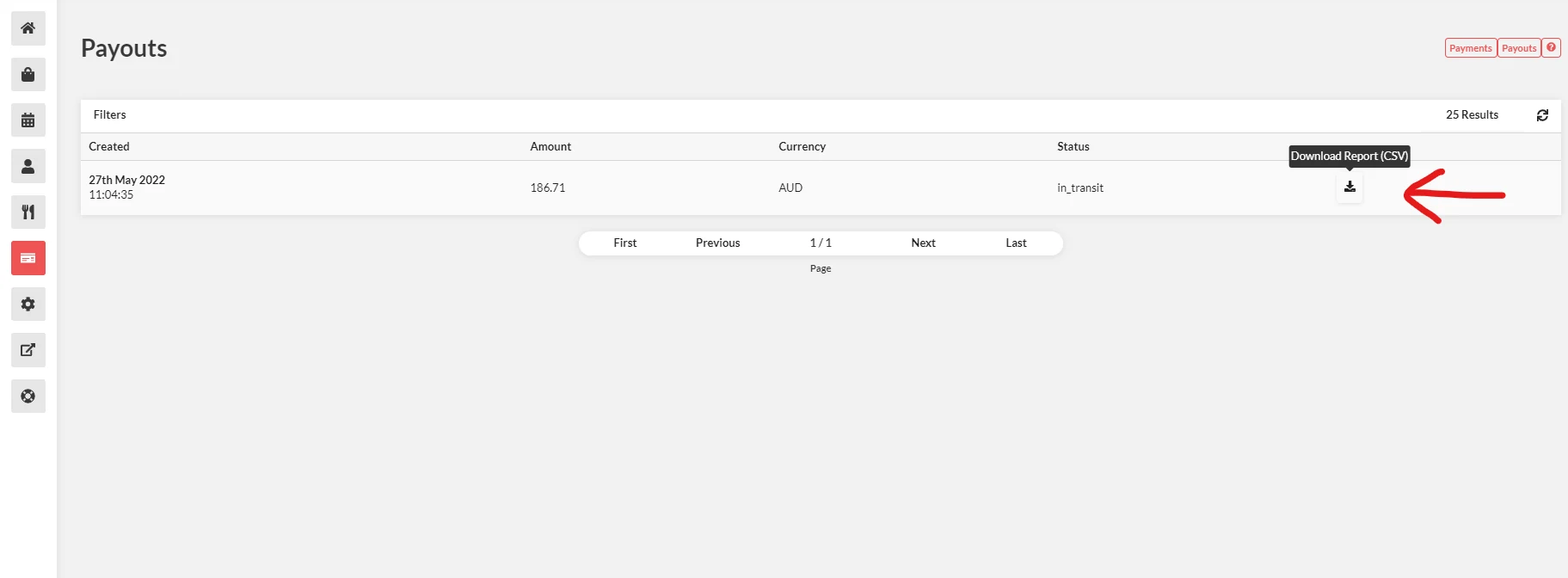
Using Stripe Integrated
You can accept credit cards online using Stripe. It is currently supported in numerous countries with a variety of currencies.
How to use Stripe Integrated
- Go to Online Payments.
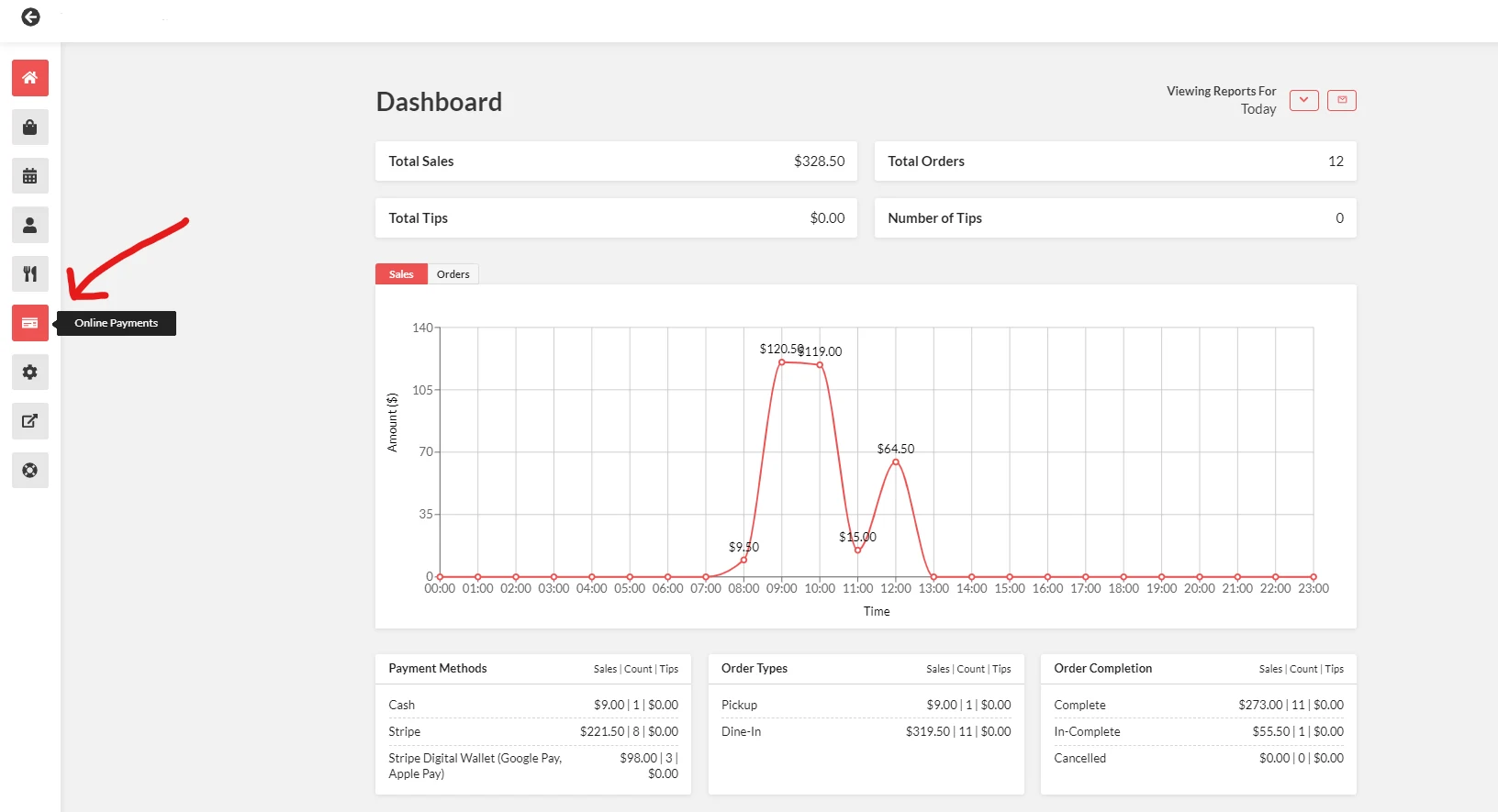
If you cannot see this option in your dashboard, please see this page.
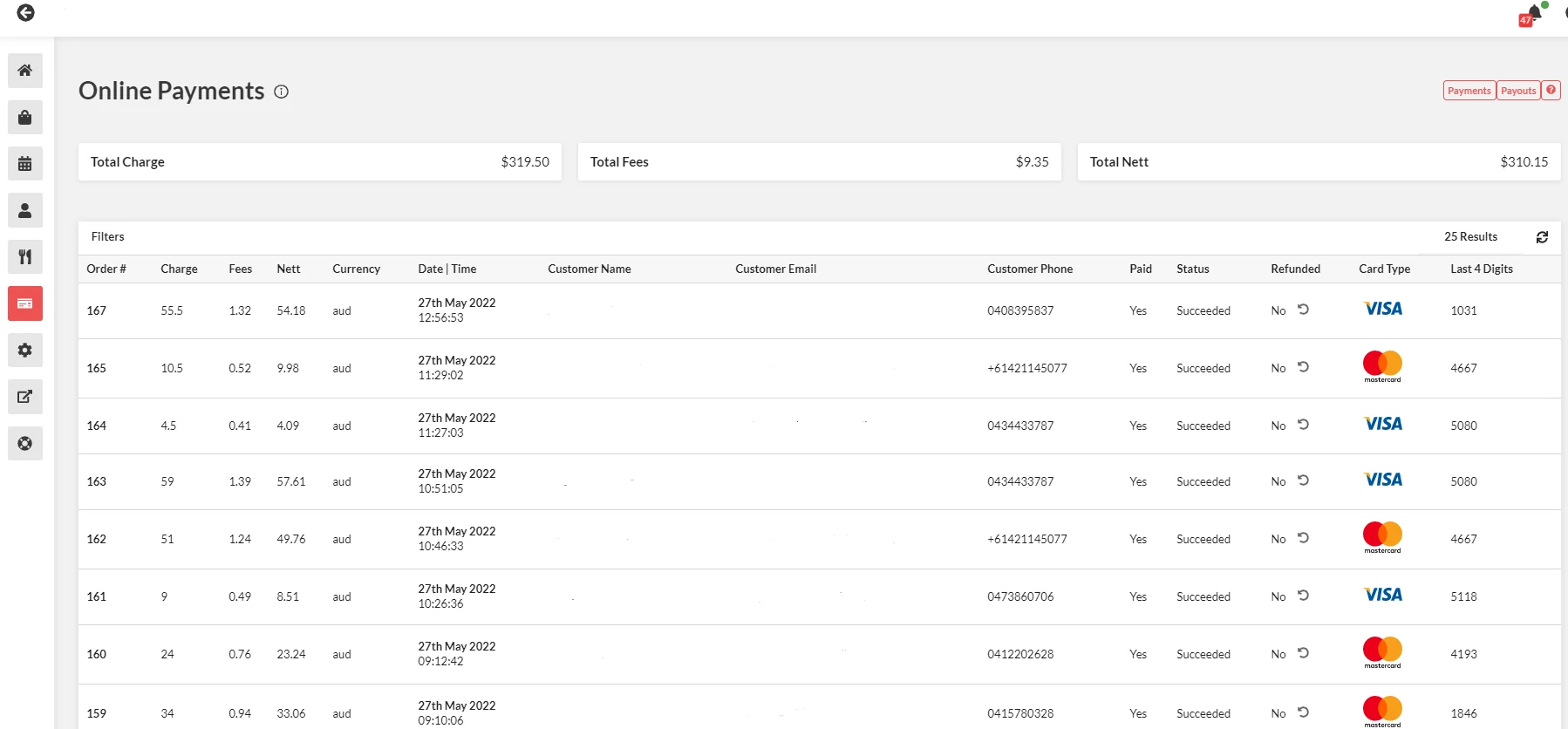
- From the Online Payments; Refunds, Payments & Order Details are shown here.
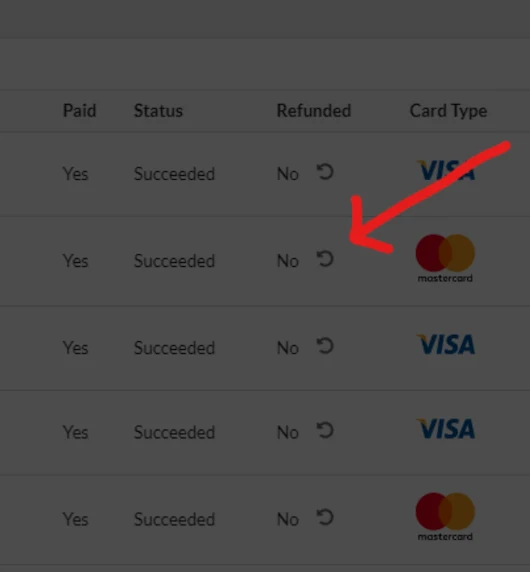
- For Refund - Click the refund button and choose reason then click “Refund”.
- For Payouts, just click the payout button at the upper right pane of the page. If you're looking for a particular payout on a certain period of time, you can use the "Filters" function and use "Date Range" to input the dates. You can also review your payouts in your stripe dashboard at dashboard.stripe.com
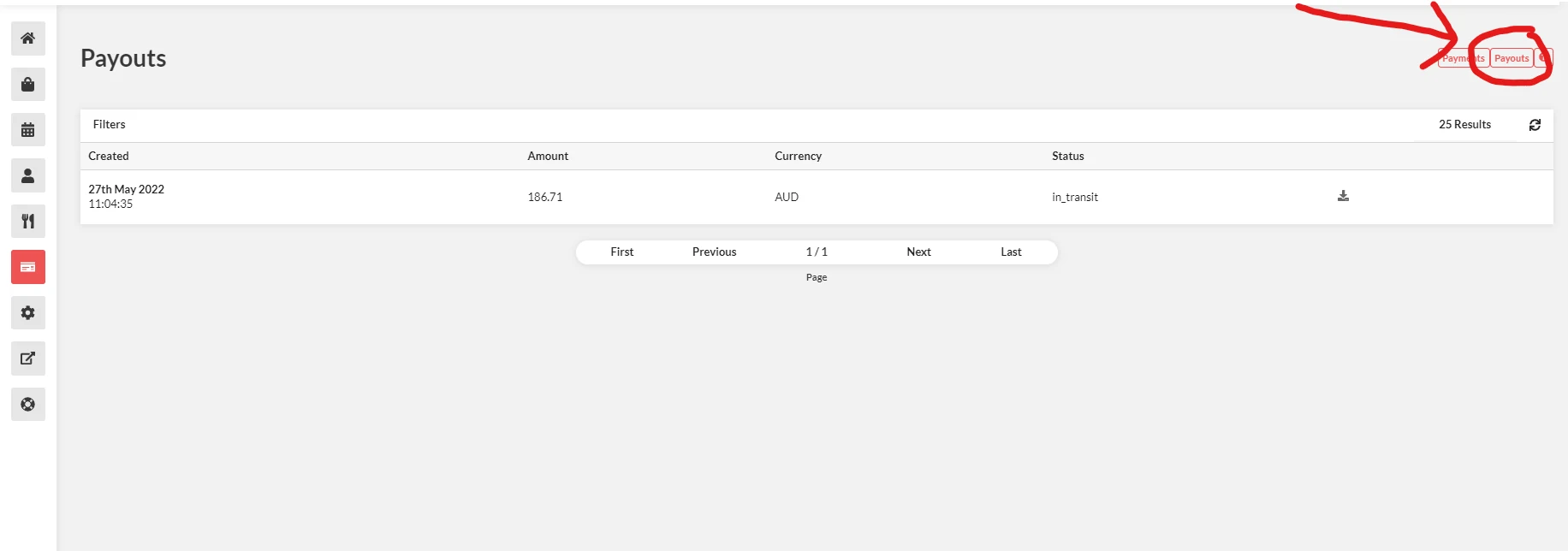
- Download the CSV Report to pull the payout report.
Note that this can take a few mins to load after clicking the button